Notification channels
SCADA SMS and multi-channel alarm notification
When one channel fails, the next one fires
AlarmNX delivers every alarm across the channels your team already watches, with SMS redundancy, per-channel rate limiting, and a delivery log that proves what went out.
Every channel your team watches
Pick the channels that fit your site and your recipients. SMS can leave the plant over local hardware or a hosted provider; chat and email reach people where they already are; a webhook wires alarms into your own systems. Every channel carries the same alarm content and follows the same escalation logic.
SMS, two independent paths
- SMS via cellular modem
- Send alarm SMS through a local cellular modem, so alerts leave the site even when the internet is down.
- SMS via Twilio
- Send alarm SMS through Twilio when you prefer a hosted SMS provider over on-site hardware.
Alerts leave the site even when the internet is down
Team apps
- DotDotPlus
- Deliver alarms through DotDotPlus for teams that already use it for messaging.
- WhatsAppComing soon
- Deliver alarms to WhatsApp so recipients get alerts on a channel they already watch.
- MS TeamsComing soon
- Post alarms into Microsoft Teams so operations and engineering see them in a shared channel.
- TelegramComing soon
- Send alarms to Telegram individuals or groups for fast messaging.
Email and integrations
- Send alarms and reports by email for records, wider distribution, and management visibility.
- Webhook
- Push alarms to a webhook to integrate with your own systems and external services.
Mobile app
- App Push
- Push alarms to the native mobile app so responders get them on their phone.
Acknowledge right from your phone
SMS redundancy you can count on
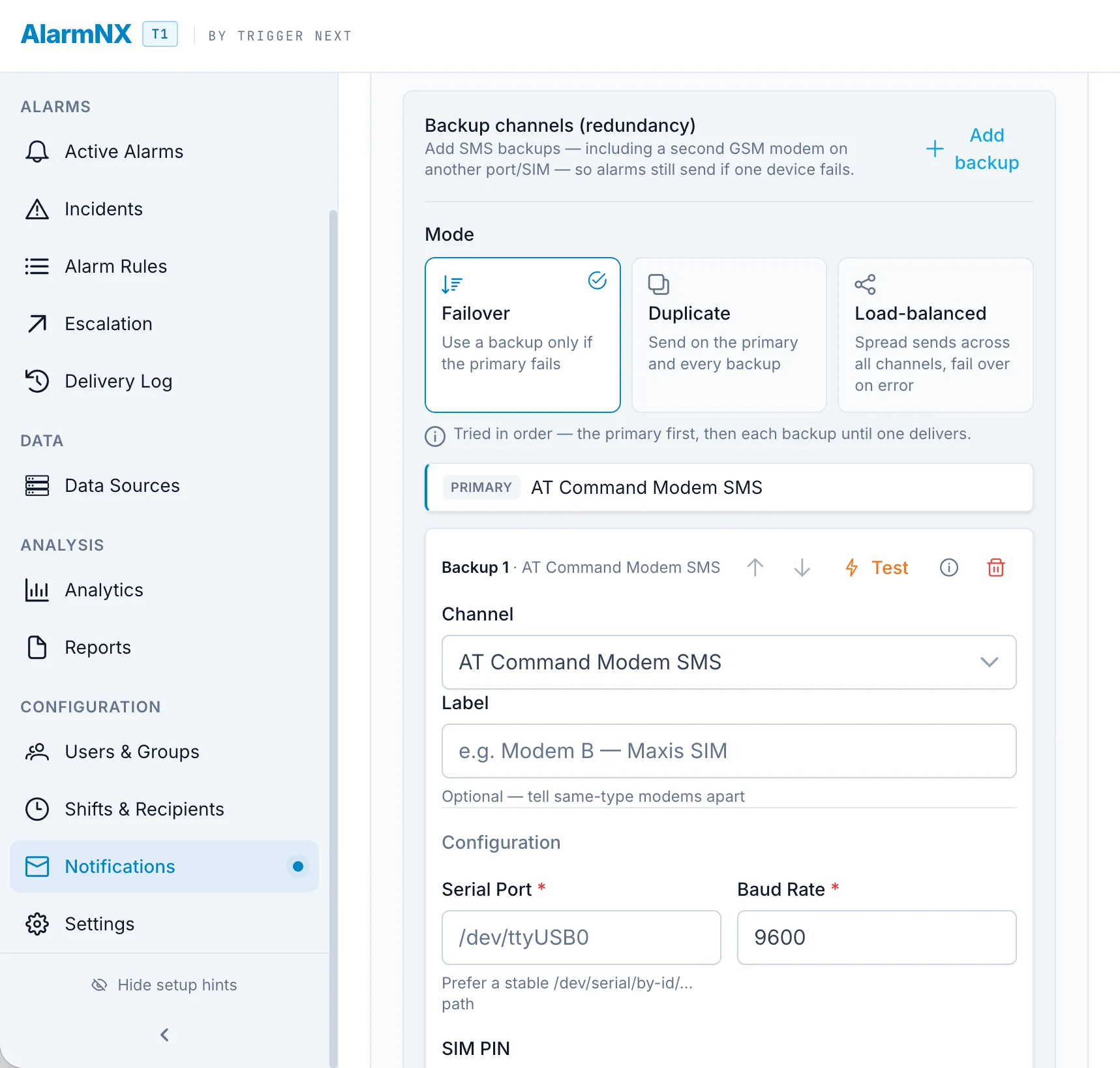
SMS is the channel that has to work when the internet does not, so AlarmNX treats it with redundancy. Run several modems or carriers and choose how they cooperate: failover sends through a backup when the primary route fails, duplicate sends through more than one route for the alarms that must not be missed, and load-balanced spreads traffic across routes. Per-channel rate limiting queues messages when a route is busy rather than dropping them, and a delivery statistics view shows what was sent, what failed, and what went out over a backup.
- Failover, duplicate, and load-balanced modes across multiple modems or carriers.
- Per-channel rate limiting that queues messages rather than dropping them.
- Delivery statistics for sent, failed, and backup deliveries.
Delivery intelligence
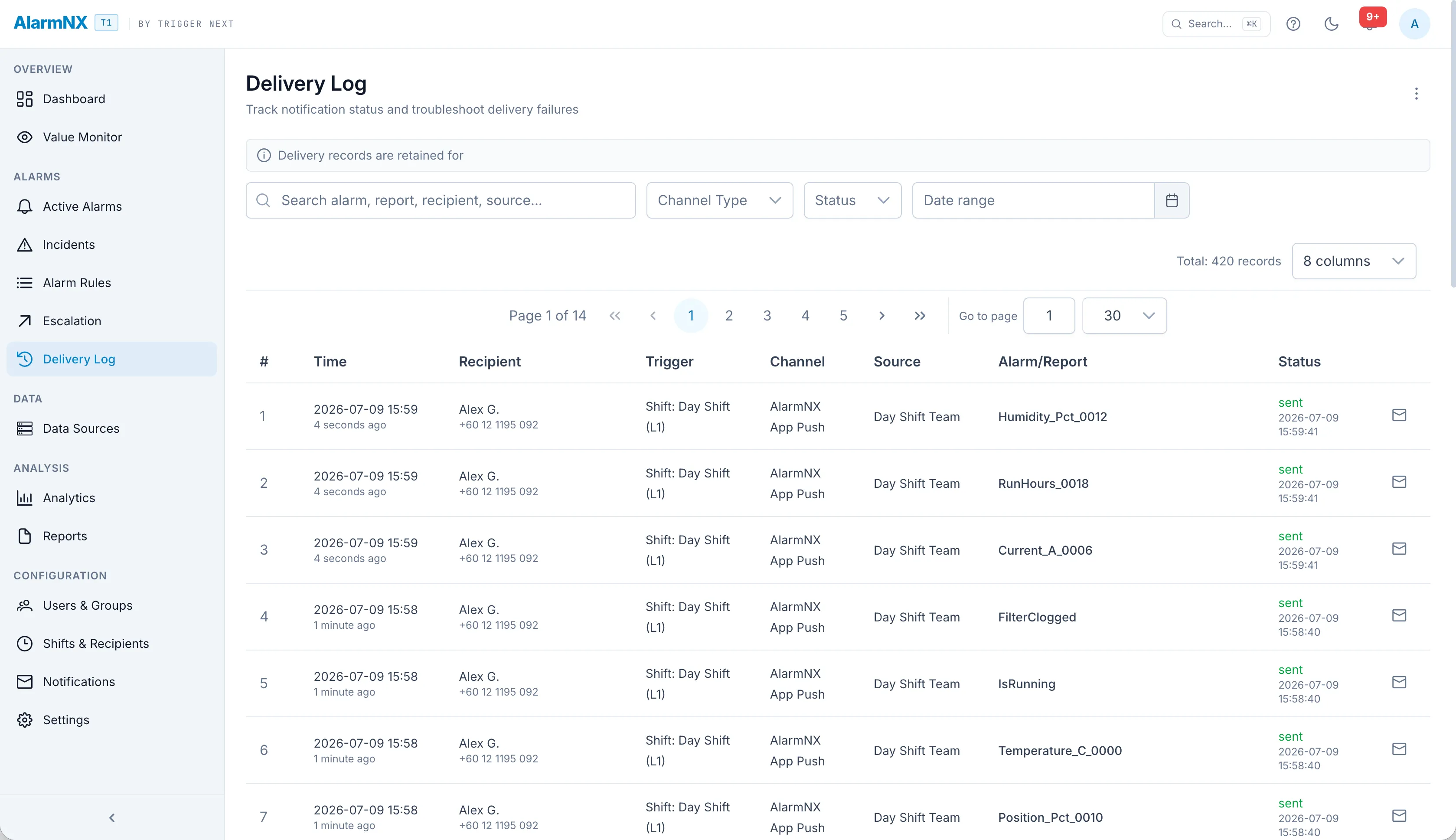
Behind every channel is logic that protects the recipient and the record. Deduplication windows keep a flapping condition from firing the same alert over and over. Failed sends are retried with a growing backoff, so a brief outage does not lose the message. A notification log keeps a per-attempt record of what was tried and what happened. Health-check heartbeats send on a schedule, so if the messages ever stop, the silence itself is a signal that something needs attention.
- Deduplication windows to suppress repeats from a flapping condition.
- Retry with backoff so a brief outage does not lose a message.
- Notification log with a per-attempt record.
- Health-check heartbeats so silence itself is detected.
Context in the message
A number out of range means more with a picture. Where the channel supports it, AlarmNX attaches a chart of the offending tag to the notification, so the recipient sees the trend that led to the alarm, not just the value. Every message and report also carries a site identity block, so someone covering more than one site knows at a glance which plant is calling.
- Charts of the offending tag attached where the channel supports it.
- Site identity block on messages and reports.