Deployment
On-premise deployment
On your hardware, on your network
AlarmNX installs on hardware you own and runs inside your plant network. This is the page to hand your OT and IT reviewers: supported platforms, the architecture on a single host, database options, and a plain statement of exactly what does and does not reach the internet.
Supported platforms
AlarmNX runs on Windows and Linux, whether on a physical server or a virtual machine, and on Raspberry Pi ARM64 for smaller sites. It installs as system services that start with the machine and come back after a restart, and everything it needs to run ships with the installer, so there is no separate runtime to install and patch on the host.
- Windows, Linux, and Raspberry Pi ARM64.
- Deploy on a physical server or a virtual machine (VM).
- Runs as system services that start and recover with the host.
- Self-contained install, with no separate runtime to install or patch.
Architecture on one host
On a single host, AlarmNX runs as three cooperating processes: the service your team signs in to from a browser, the protocol driver that talks to your OPC UA sources, and the alarm engine that evaluates conditions and drives escalation. They coordinate over an embedded internal message broker that stays on the host. Nothing outside your network is required for the system to detect an alarm and start notifying.
- Three processes on one host: the browser-facing service, the protocol driver, and the alarm engine.
- An embedded internal message broker coordinates them, on the host.
- No external dependencies are required to detect and raise an alarm.
Database tiers
Start small on an embedded database that keeps a single-site deployment self-contained, with nothing else to install or run. For larger sites, move up to a dedicated database server tier, with optional time-series storage tuned for history and trends. A guided migration path moves an existing deployment from one tier to the next when a site outgrows where it started.
- An embedded database for small, self-contained sites.
- A dedicated database server tier for large sites, with optional time-series storage for history.
- A guided migration path between tiers as a site grows.
Security posture
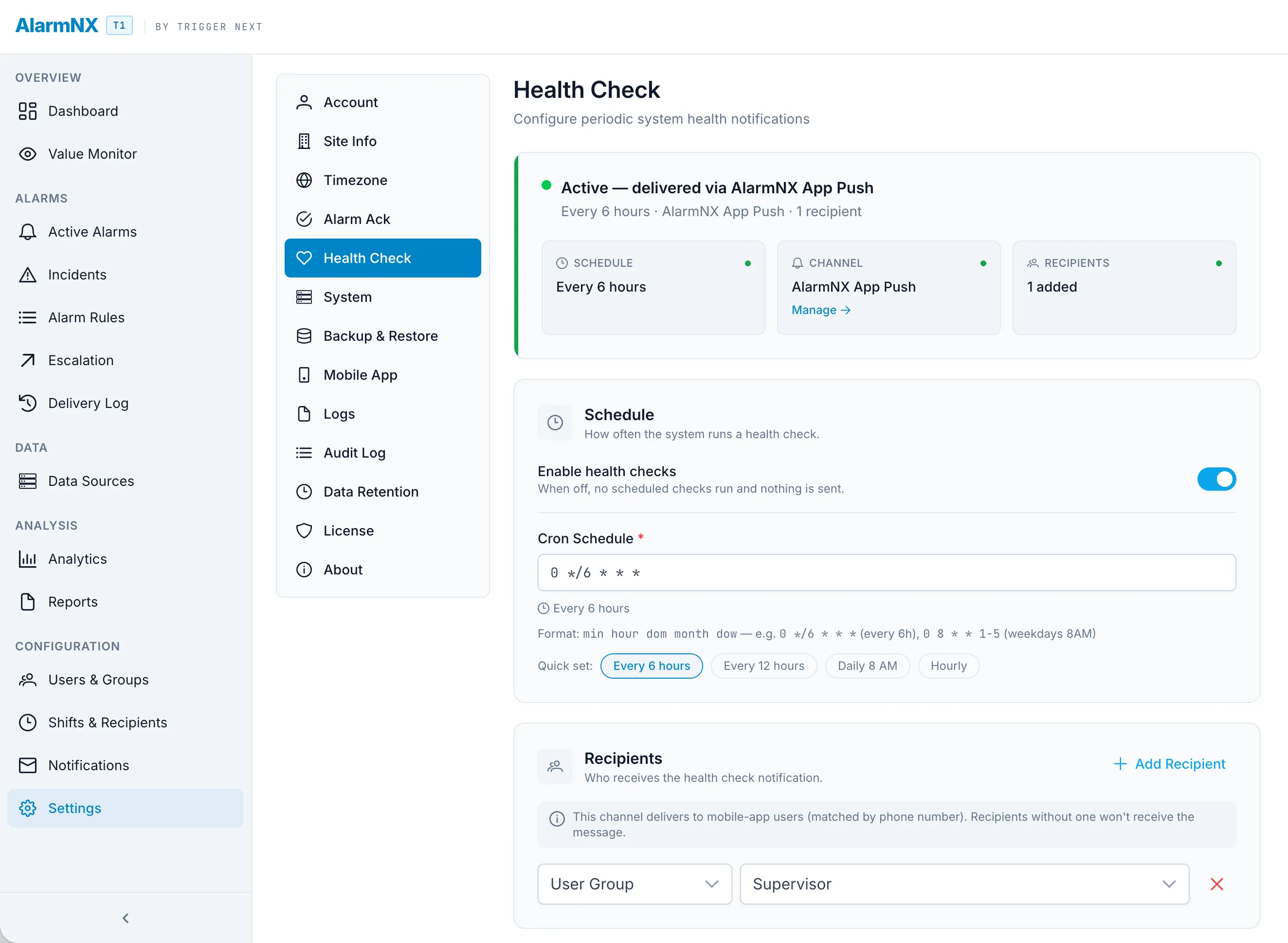
All access is encrypted in transit. Sessions ride in signed credentials that page scripts cannot read, so a session cannot be forged or lifted from the browser. Three role-based access levels separate what operators, engineers, and administrators can each do. Passwords are never stored in plain text, only as salted one-way hashes, and a full audit log records actions and configuration changes.
- All access encrypted in transit.
- Signed session credentials that page scripts cannot read.
- Three-role role-based access control.
- Salted one-way password hashing, never plain text.
- Full audit log of actions and configuration changes.
Resilience
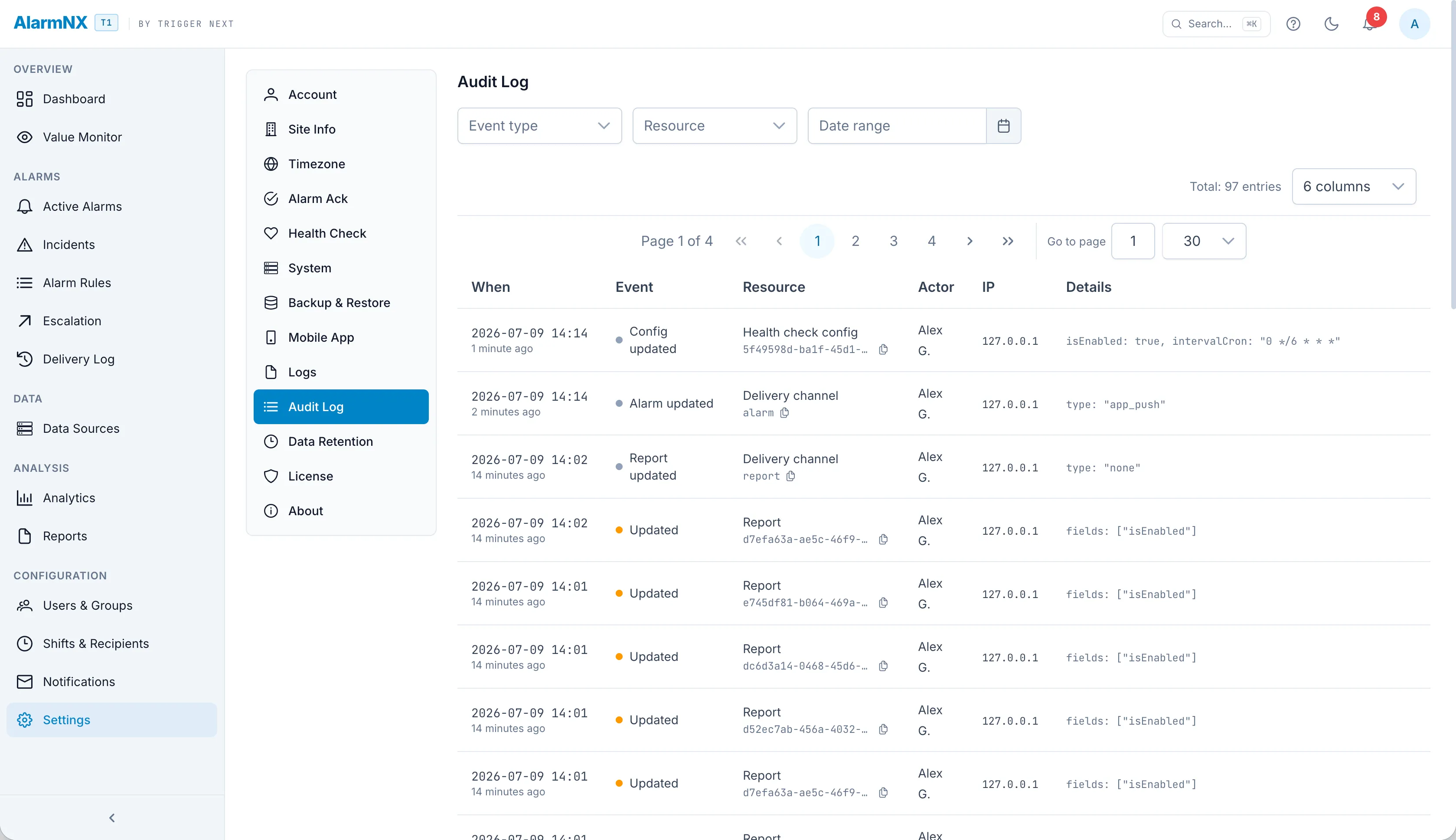
If the primary data connection drops, a hot standby takes over, so data keeps flowing. The system reconnects on its own and monitors its own health, so a stalled connection surfaces instead of going quiet.
- Hot-standby data source failover.
- Watchdog-supervised reconnection.
- Health heartbeats so the system reports its own liveness.
The cloud boundary, stated plainly
Here is the exact line between your network and the internet: only the channels you turn on can reach out, and only some of those are cloud services. Everything else stays inside your plant network, so enable nothing and alarm traffic never leaves it.
What never leaves your network
- Core alarm evaluation and escalation.
- The OPC UA connection to your PLC and SCADA.
- SMS through a local cellular modem.
- Email through your own mail relay.
- The screens your team signs in to.
What reaches the internet, and only when you turn it onOptional
- Mobile push relay, when you use the mobile app.
- Twilio SMS, when you enable it as a channel.
- DotDotPlus, when you enable it as a channel.
- Webhooks, which go wherever you point them, on your network or outside it depending on how you configure the URL.