Mobile app
Plant alarm mobile app
The alarm gets acknowledged. The phone never gets unlocked.
An alarm reaches whoever is on call as a push notification on their lock screen. They long-press it, tap Acknowledge, and the escalation halts. No per-device fees, and no cap on how many people carry it.
Monday, 12 May
9:41
For the people who answer alarms
The native AlarmNX app is how alarms reach the people who answer them. When an alarm escalates to someone, it arrives on their phone as a push notification that names the alarm, the severity, and the site it came from. They can acknowledge it right from the notification, or open it to read the full incident first. Getting a team on it takes no rollout project: each person installs the app from the App Store or Google Play, registers with the phone number your escalation chains already point at, and the first alarm that reaches them links the app to your site.
- Native app for iOS and Android.
- Acknowledge from the notification itself, or open the incident first.
- Register with the phone number your escalation chains already use.
- On the App Store and Google Play.
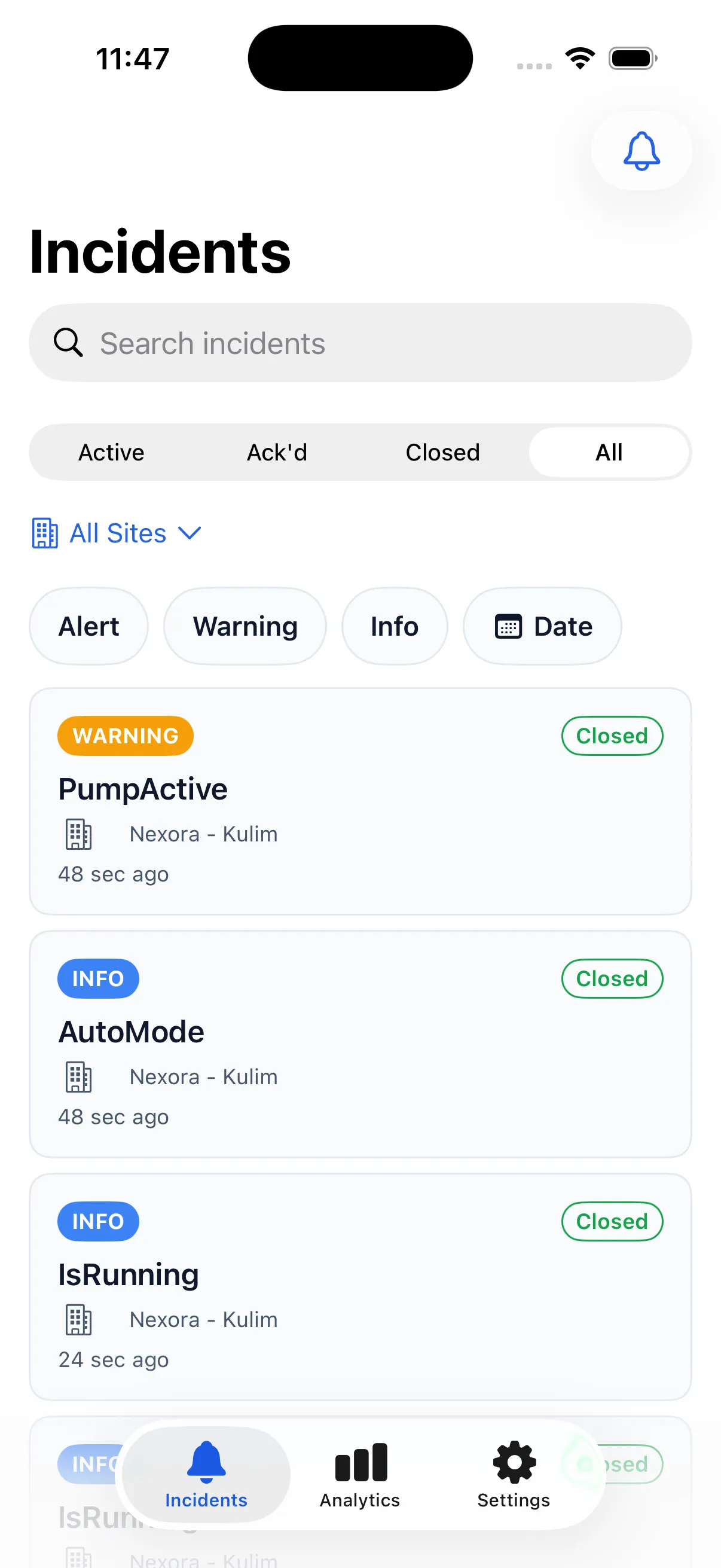
Act from the field
An alarm you can only read is half a tool. From the incident on the phone, a responder can acknowledge to halt the escalation, add a comment, and react to what others have said. Every action syncs back to the plant system, so the timeline and the audit log read the same whether the person was at a workstation or standing next to the equipment.
- Acknowledge, comment, and react from the incident.
- Actions sync back to the plant system.
- One shared timeline across web and mobile.
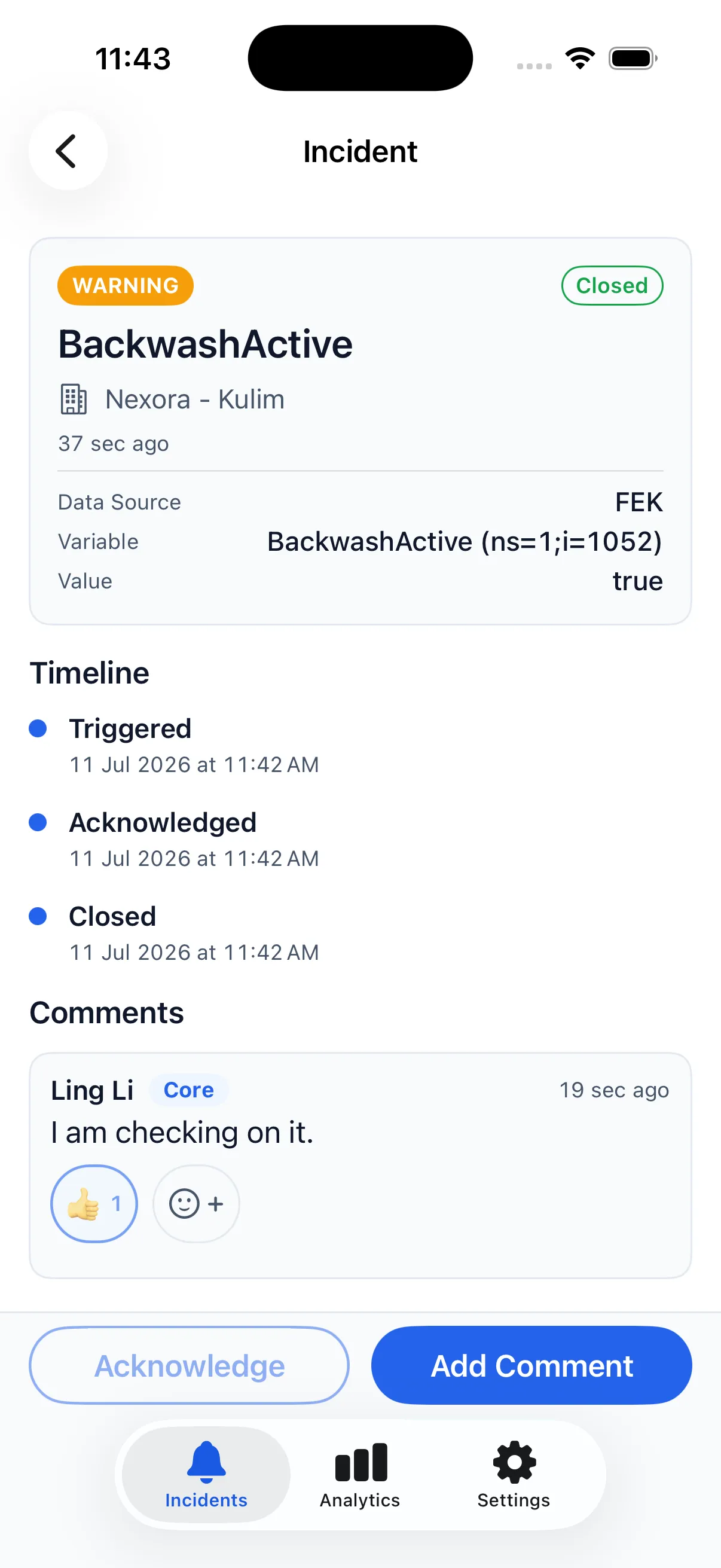
Control that stays personal
Everyone carries the app on their own terms. Each person can mute a tenant they do not need to hear from, set quiet hours, and choose a minimum severity so only alarms above their threshold come through. Biometric login keeps the app quick to open and closed to everyone else.
- Per-tenant mute for the sites you do not cover.
- Quiet hours and minimum-severity filters.
- Biometric login.
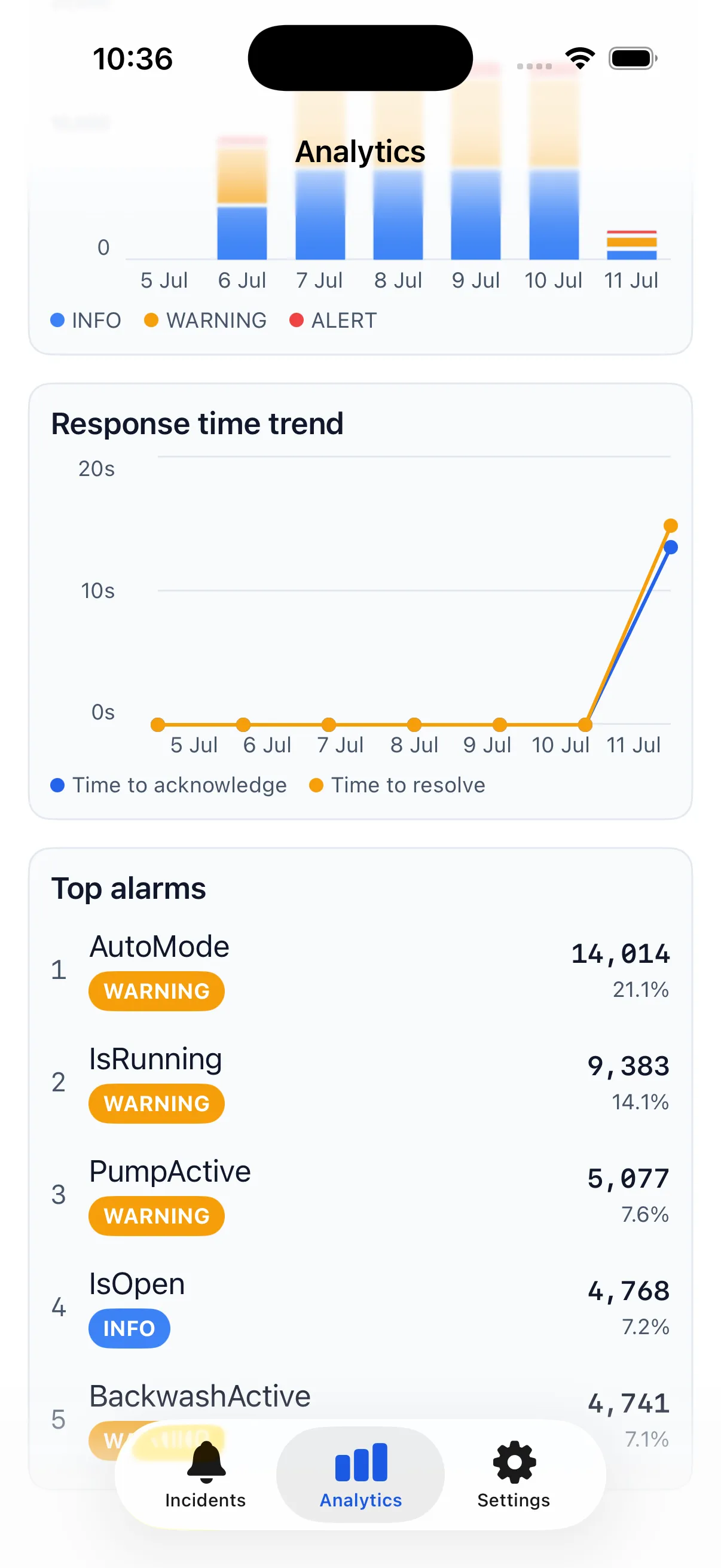
Analytics in your pocket
The same response metrics management sees on the web are on the phone too. The analytics tab shows MTTA, MTTR, and the top alarms, so a supervisor can check how the shift is tracking without going back to a desk.
- MTTA and MTTR on the phone.
- Top alarms at a glance.
Built for bilingual teams
The app ships in English today. Bahasa Malaysia is coming soon, so every operator and technician can read an alarm in the language they know best.
Plant alarm mobile app web portal
Sign in from anywhere. Nothing signs in to the plant.
The mobile app comes with a web portal, carried on the same cloud relay as push. AlarmNX itself stays inside your plant network and only ever calls out; the portal is the part you can open in a browser from wherever you are.
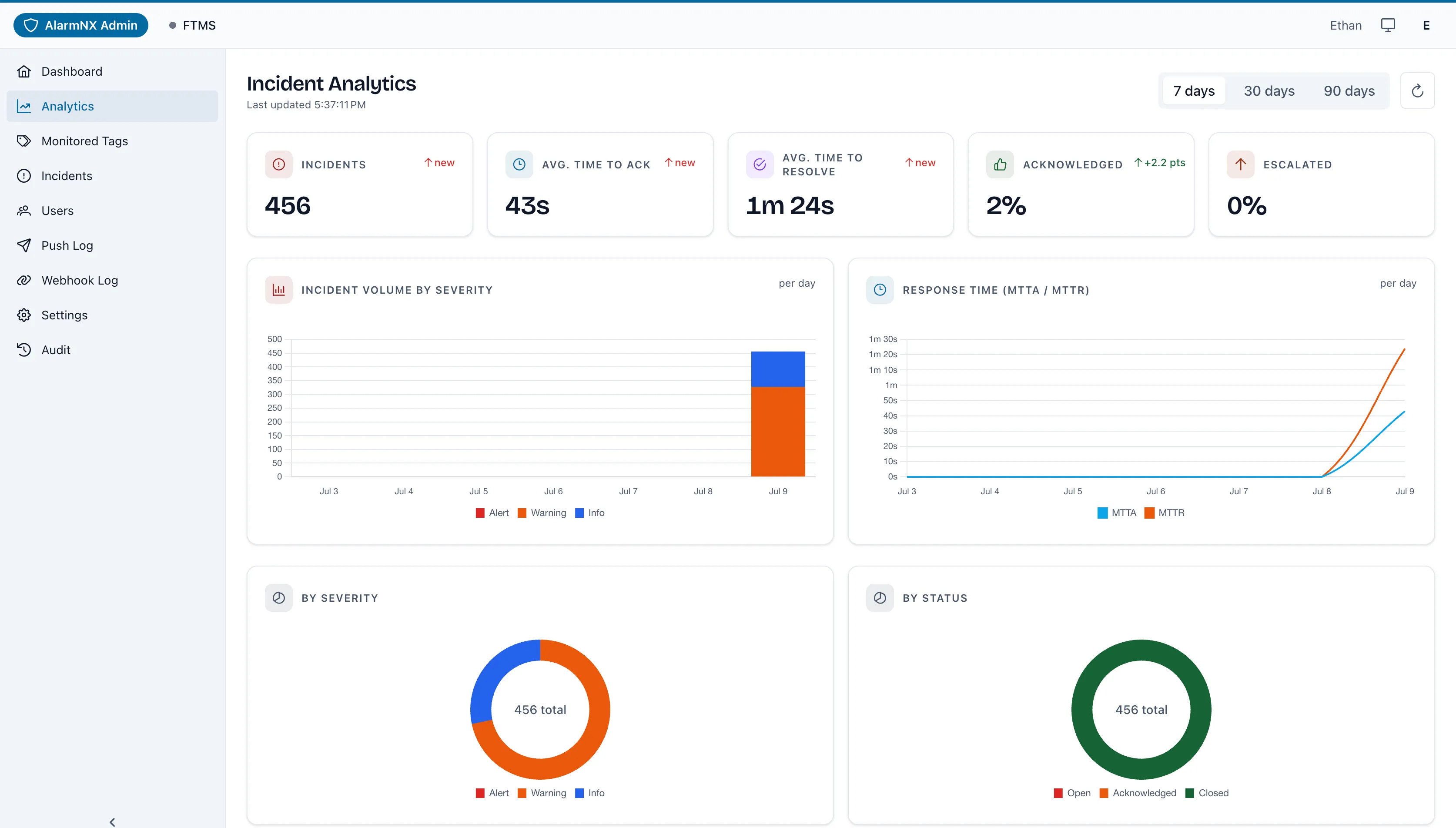
Check your alarms from anywhere
For a supervisor or manager, checking in no longer means a trip to the control room: read the basic alarm analytics, open an incident timeline, and see where things stand. Each site is its own tenant, so what you see is scoped to that site, and anyone who runs more than one switches between them without signing out.
- Check basic alarm analytics without a trip to the on-site system.
- Open an incident timeline: triggered, acknowledged, and cleared.
- Scoped to the site as its own tenant; switch between sites if you run more than one.
Who carries alarms, and proof they arrived
The same portal is where a site admin runs the mobile side. It lists everyone registered to your site with their devices and when they were last active, and because people join by receiving their first alarm, there are no user accounts to create. Every push lands in a delivery log as sent or failed, with the reason in plain language and a resend for anything that did not get through, so when someone asks whether the overnight alarm reached the crew, the answer is a record, not a guess. A health view shows whether the link from your plant is up and when it last checked in, and every admin action is written to an audit log that cannot be edited.
- Everyone registered to the site, their devices, and when they were last active.
- A delivery log per push: sent or failed, the reason, and a resend.
- Promote another admin or revoke access without touching the plant system.
- Connection health for the link from your plant.
- Every admin action in an audit log that cannot be edited.
Register your site, then connect it
You do not have to wait for us to set your site up. Register it at portal.alarmnx.com/admin/register with your site name, your name, and a phone number we confirm by text message. Every new site is reviewed before it goes live, so you will not be signing in straight away, and there is no confirmation message to wait for: come back to the portal and sign in, and once your site is approved you are in. From there you generate the connection details, paste them into your AlarmNX installation, and alarms start reaching phones.
- Register the site yourself, with a phone number confirmed by text message.
- Every new site is reviewed before it goes live.
- No message to wait for: sign in at the portal to see where your site stands.
- Once approved, generate the connection details and paste them into your AlarmNX installation.
An honest note on architecture
Mobile push has to leave your network to reach a phone, so it travels through a cloud relay. Everything else does not. Core alarming, evaluation, escalation, and every other channel run on-premise and keep working if the relay is unavailable, which means the mobile app is an addition to your alarming, never a dependency of it.
Read how the cloud boundary works